Run a WP-CLI command on your WordPress site
Run WP-CLI commands such as wp cache flush or wp plugin update on your NetOz-hosted WordPress environment from the browser, and keep a history of every command and its output.
On this page
WP-CLI is the command-line tool for WordPress. NetOz lets you run WP-CLI commands inside your environment straight from the portal, with no SSH access needed. Every command, who ran it and its output are recorded.
Before you start
- You need Applications set to Manage for the application or environment.
- Commands run against the live environment. Take a database backup first if the command changes content or settings.
Step 1 Open Command Executions
Go to Applications, open your website and select Manage on the environment. Choose Command Executions.
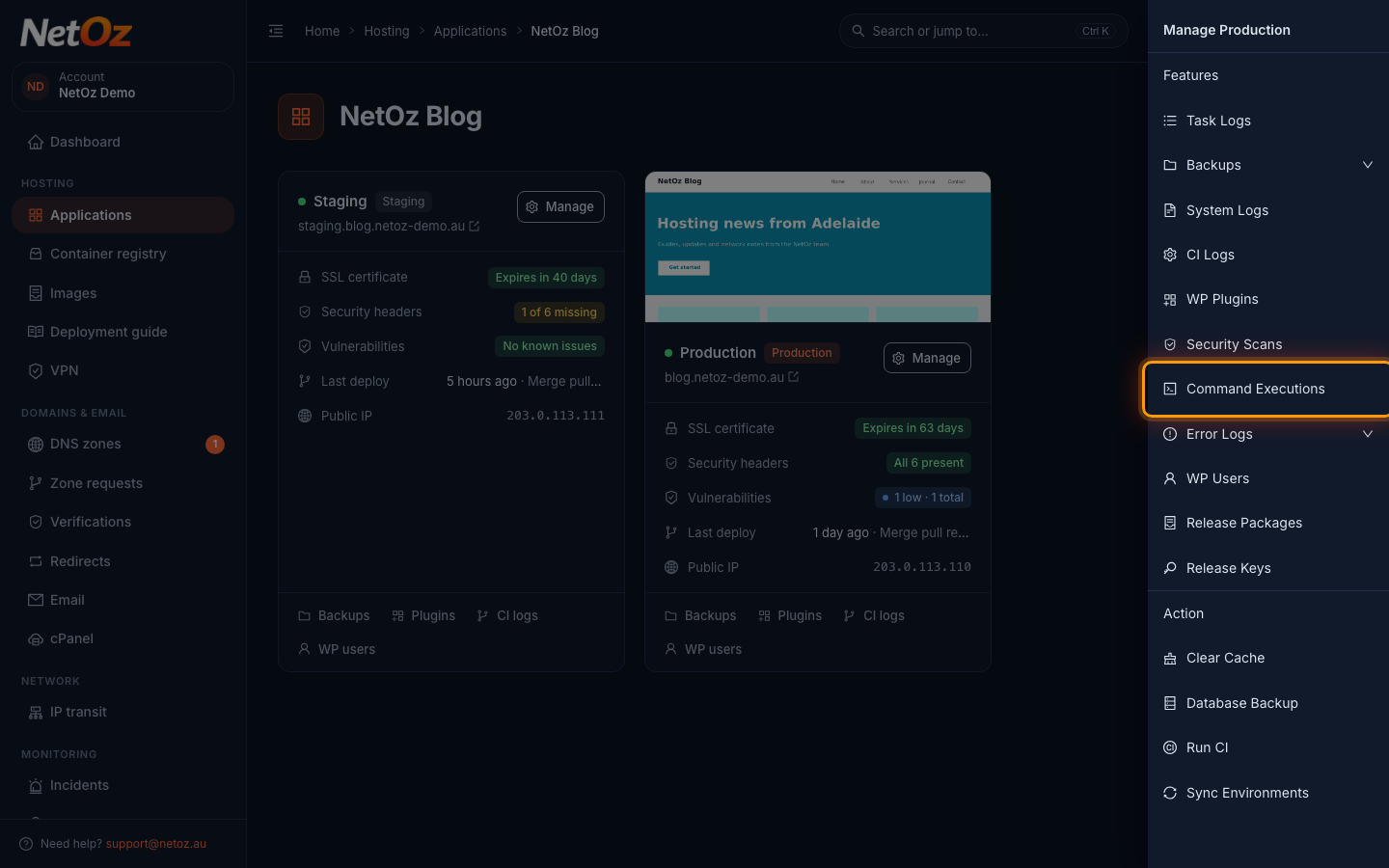
Step 2 Review previous commands
The list shows every command run on this environment, who ran it, whether it finished or failed and when. Select any row to see its output. To run a new one, select New Command.
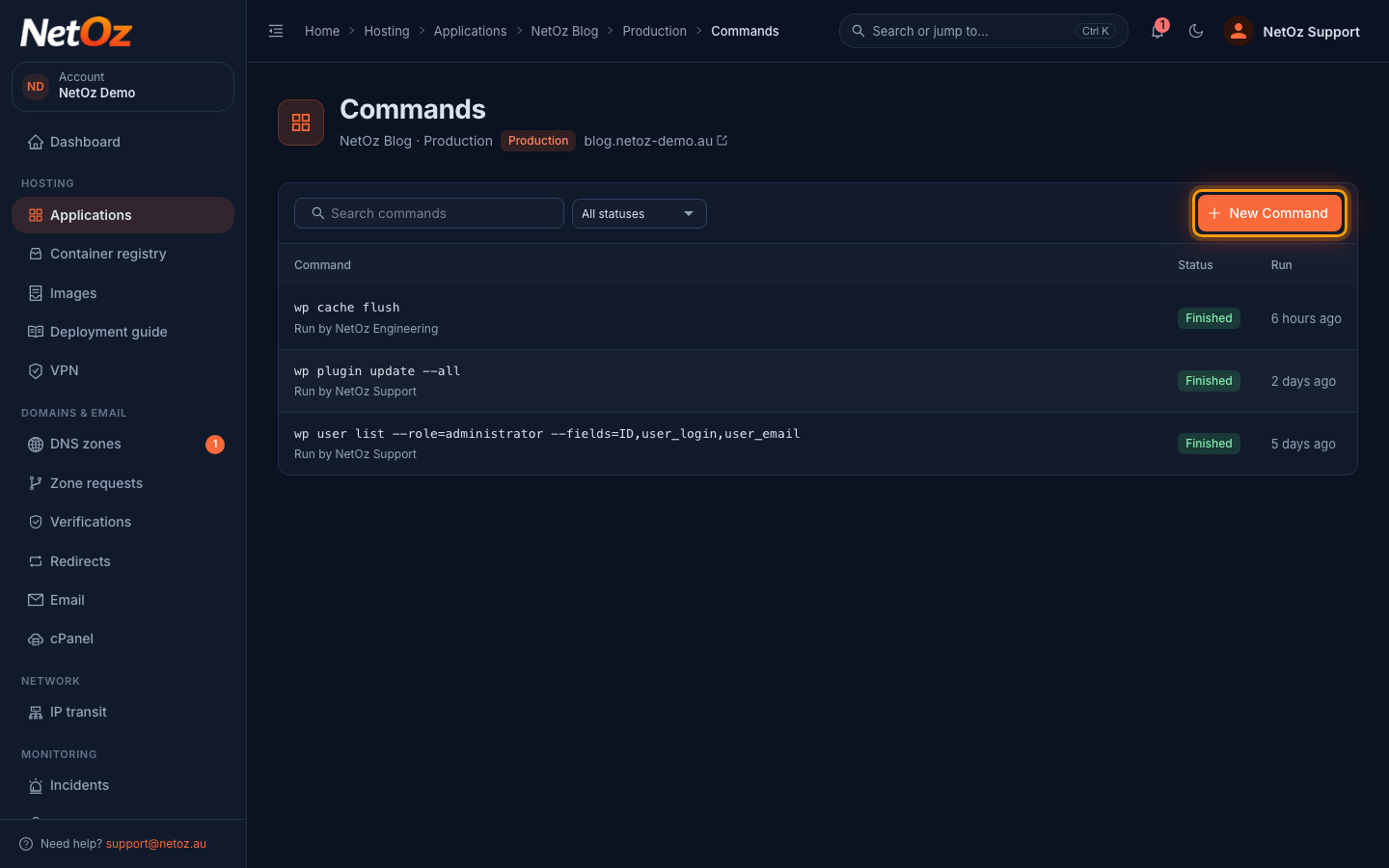
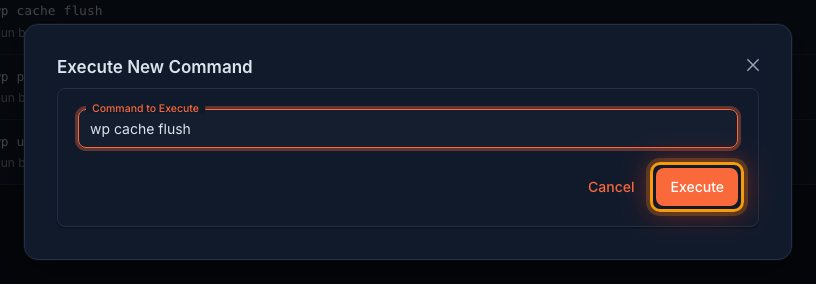
Step 3 Enter the command and run it
Type the WP-CLI command, starting with wp, and select Execute.
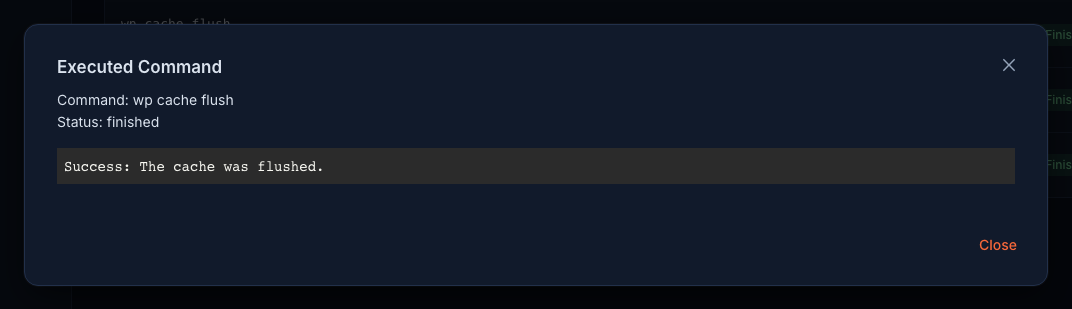
Step 4 Read the output
The output appears as soon as the command finishes, usually within 30 seconds. It is also saved to the command history so you and your team can refer back to it later.
Useful commands
wp cache flushclears the WordPress object cache.wp plugin list --update=availablelists plugins with an update waiting.wp plugin update <plugin-name>updates a single plugin.wp user list --role=administratorlists administrators.wp search-replaceis powerful but changes your database, so back up first.
Was this guide helpful?
Your answer helps us keep these guides accurate.