View CI build and deployment logs for your website
Check which commit is live on each environment, read the full build output for every deployment, and trigger a fresh CI build from the NetOz Portal.
On this page
When you push code, NetOz builds and deploys it to the matching environment and records the output. The CI logs show which commit each deploy came from and everything the build did, which is the first place to look when a deploy does not behave as expected.
Before you start
- You need Applications set to Read to view CI logs, and Manage to trigger a build.
Step 1 Open CI logs
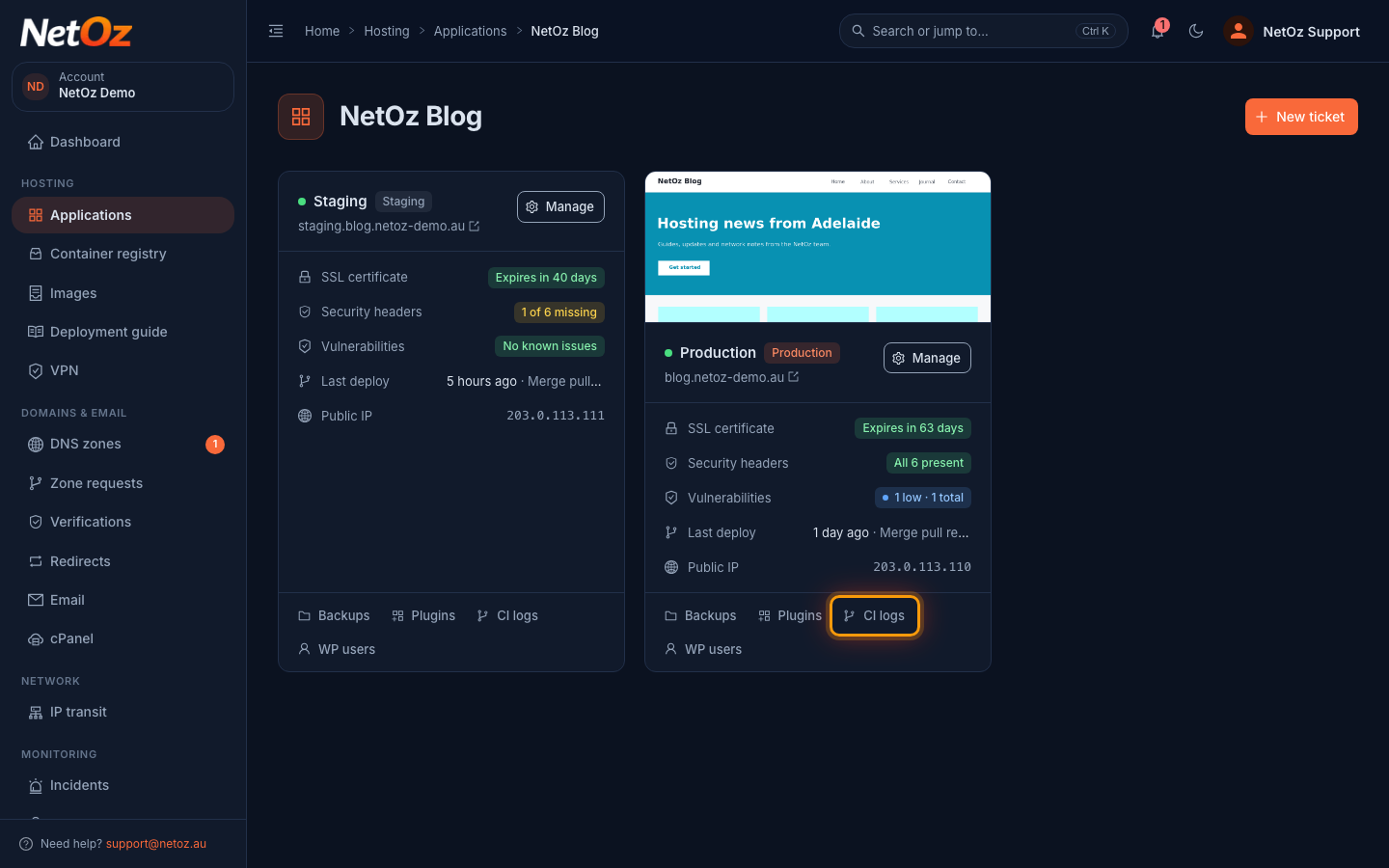
Go to Applications, open your website and select CI logs on the environment card. The Last deploy row on the card already shows when the latest deploy ran and its commit message.
Step 2 Find the deploy you want
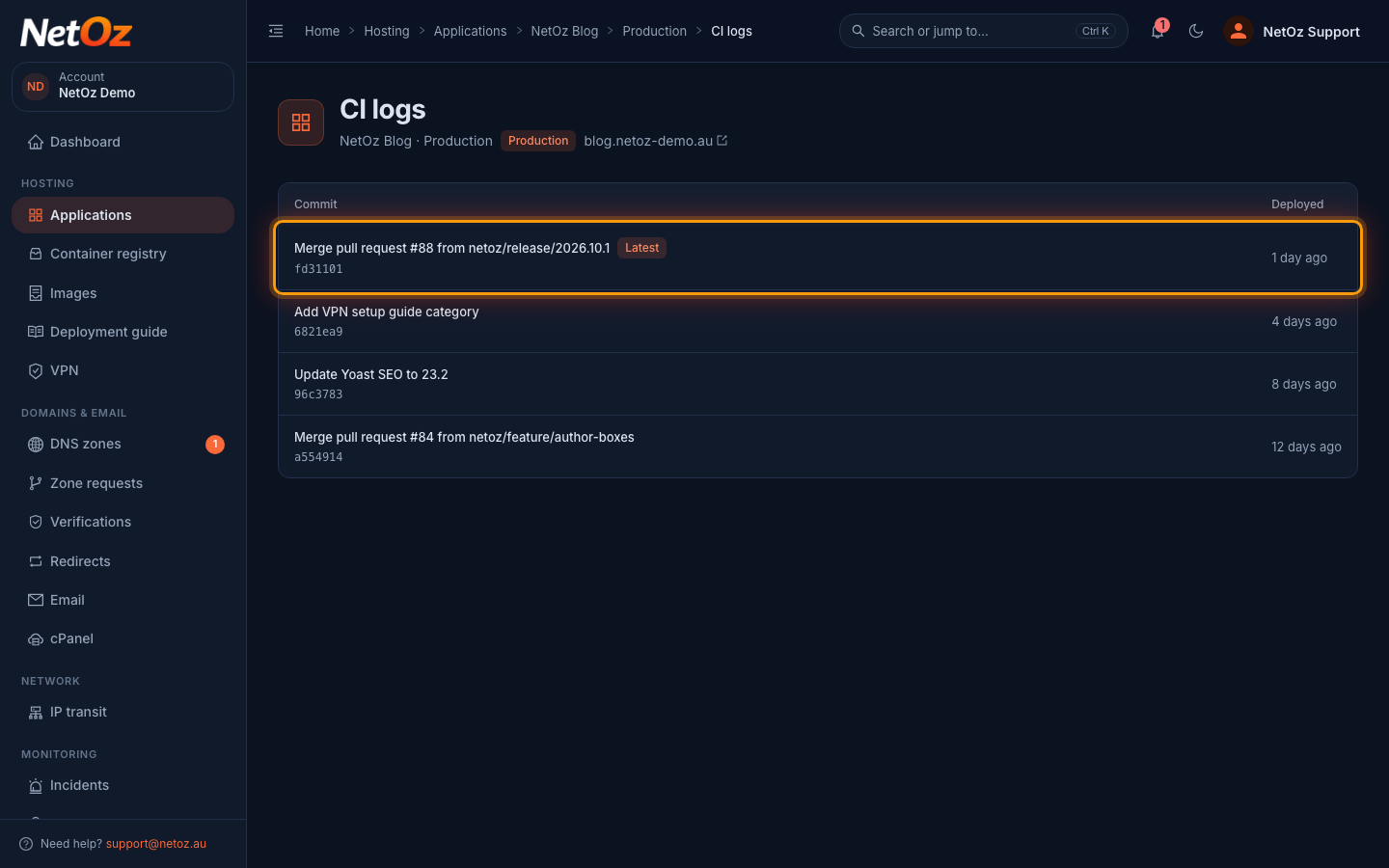
Each deploy shows its commit message and short commit hash, and the one currently live is marked Latest. Select a deploy to read its log.
Step 3 Read the build output
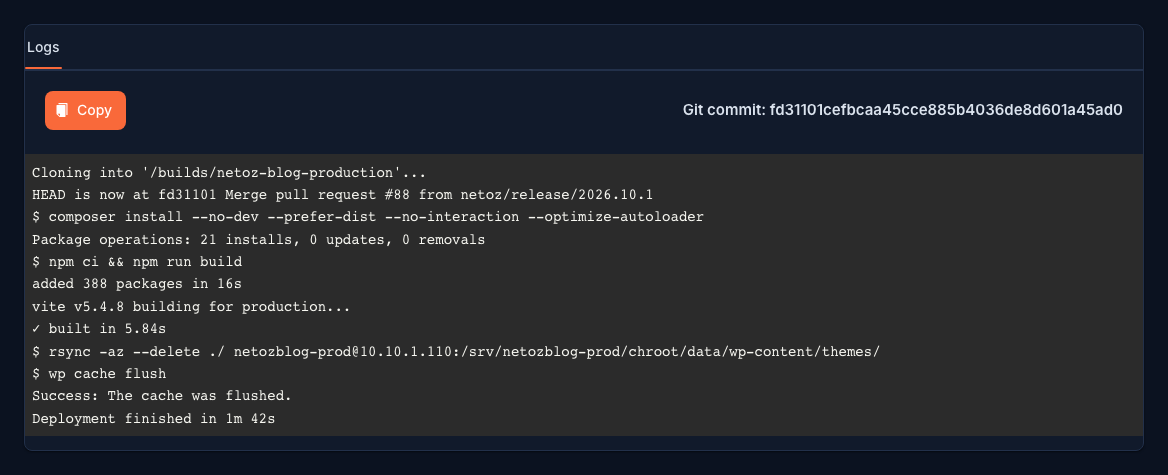
The log shows every step of the build and deploy, from checking out the commit to installing dependencies, building assets, copying files to the server and flushing the cache.
Step 4 Run a build again
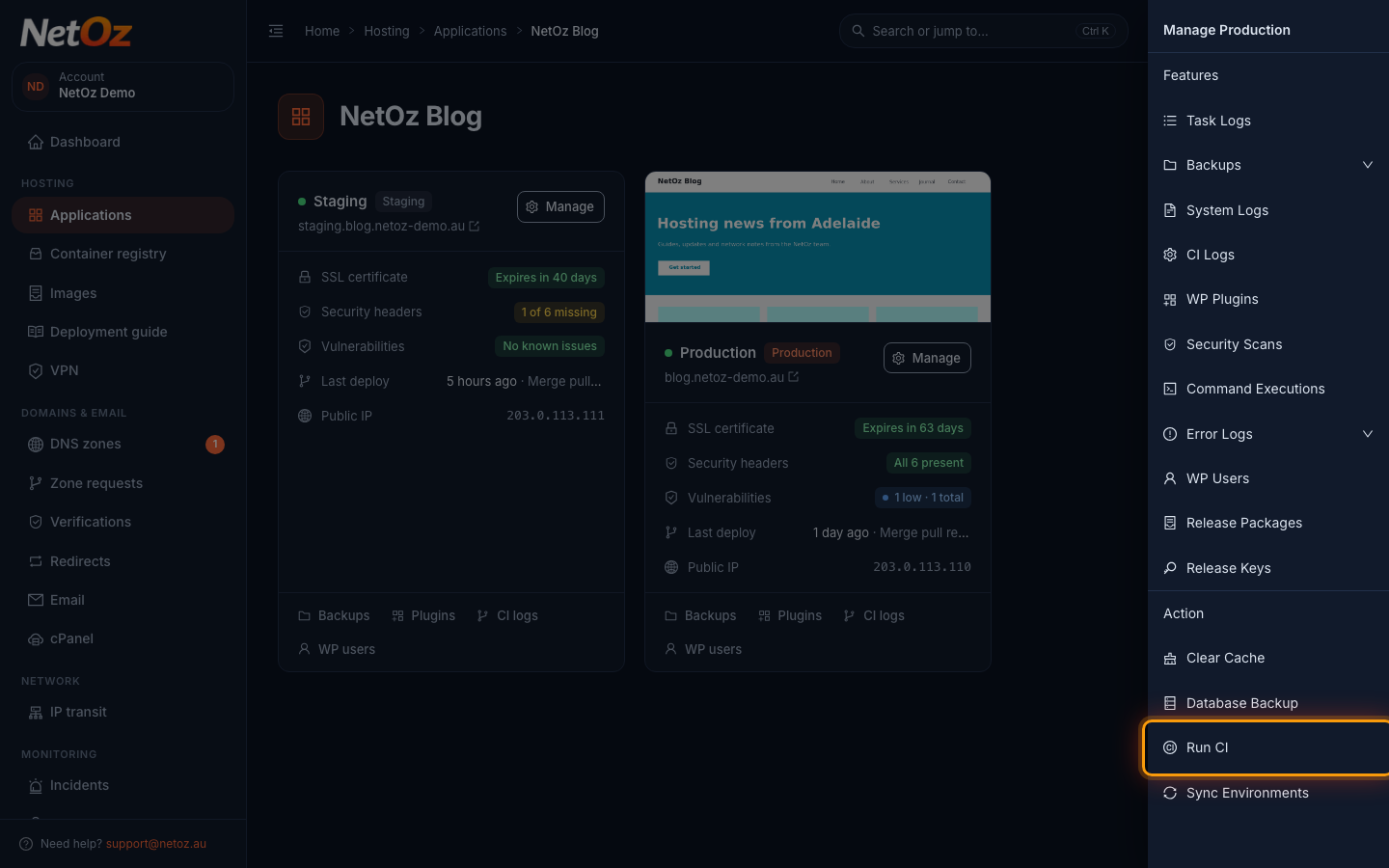
To rebuild and redeploy the current commit without pushing new code, choose Manage on the environment and select Run CI under Action. The new run appears in the CI logs within about five minutes.
When a build fails
Read the log from the bottom up: the last command that ran is usually the one that failed. Fix the problem in your repository and push again, or raise a support ticket from the application page and include the commit hash.
Was this guide helpful?
Your answer helps us keep these guides accurate.