Review sign-in activity and failed login attempts
See when each person on your NetOz Portal account signed in, from which device and IP address, and spot failed or suspicious login attempts.
On this page
The Sign-in activity page shows every sign-in and failed attempt for people on your account over the last 90 days. Check it if you suspect someone else has used a login, or as part of a regular security review.
Before you start
- Account admins and members with Team access can see activity for everyone on the account.
Step 1 Open Sign-in activity
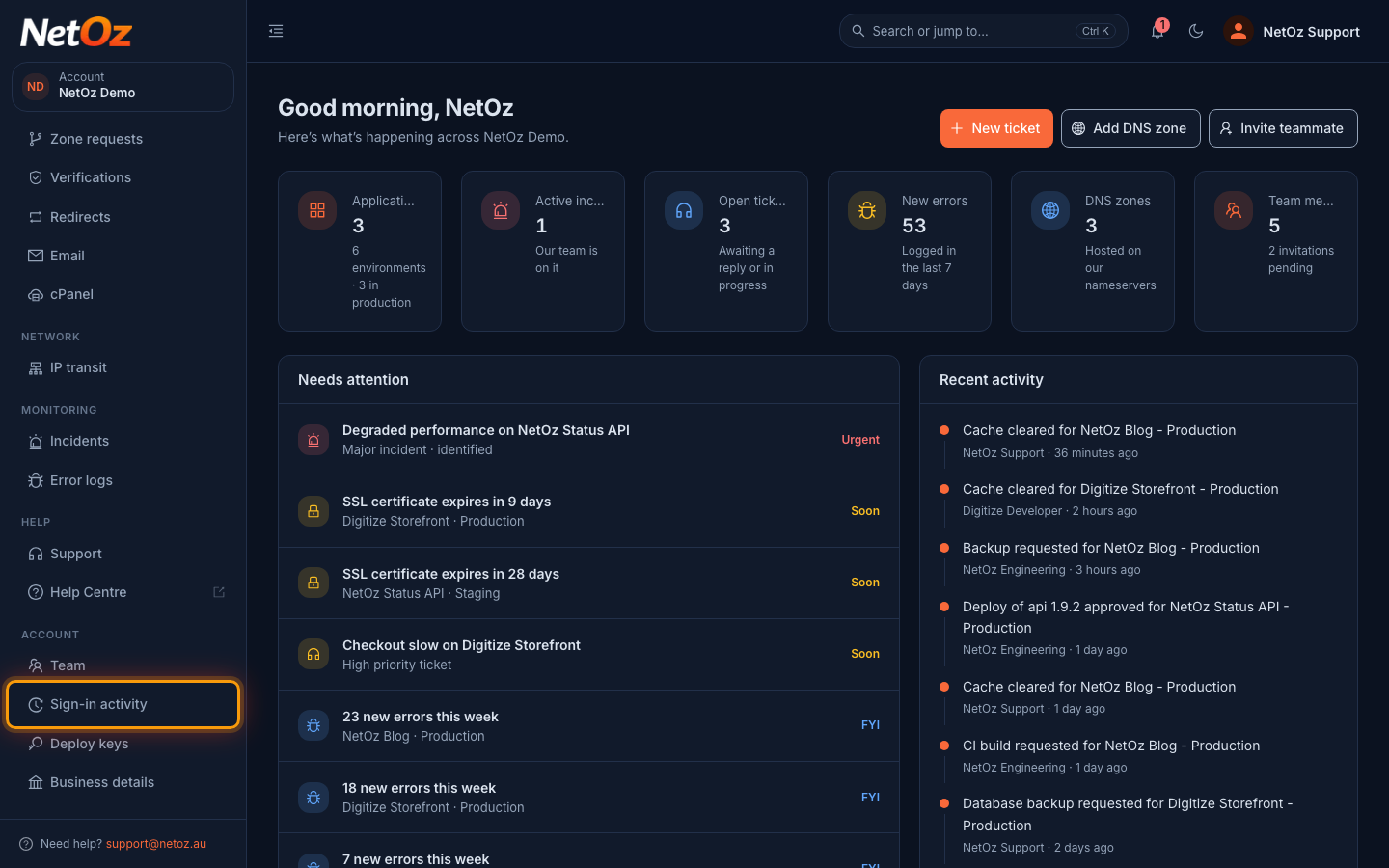
Choose Sign-in activity under Account in the sidebar.
Step 2 Read the list
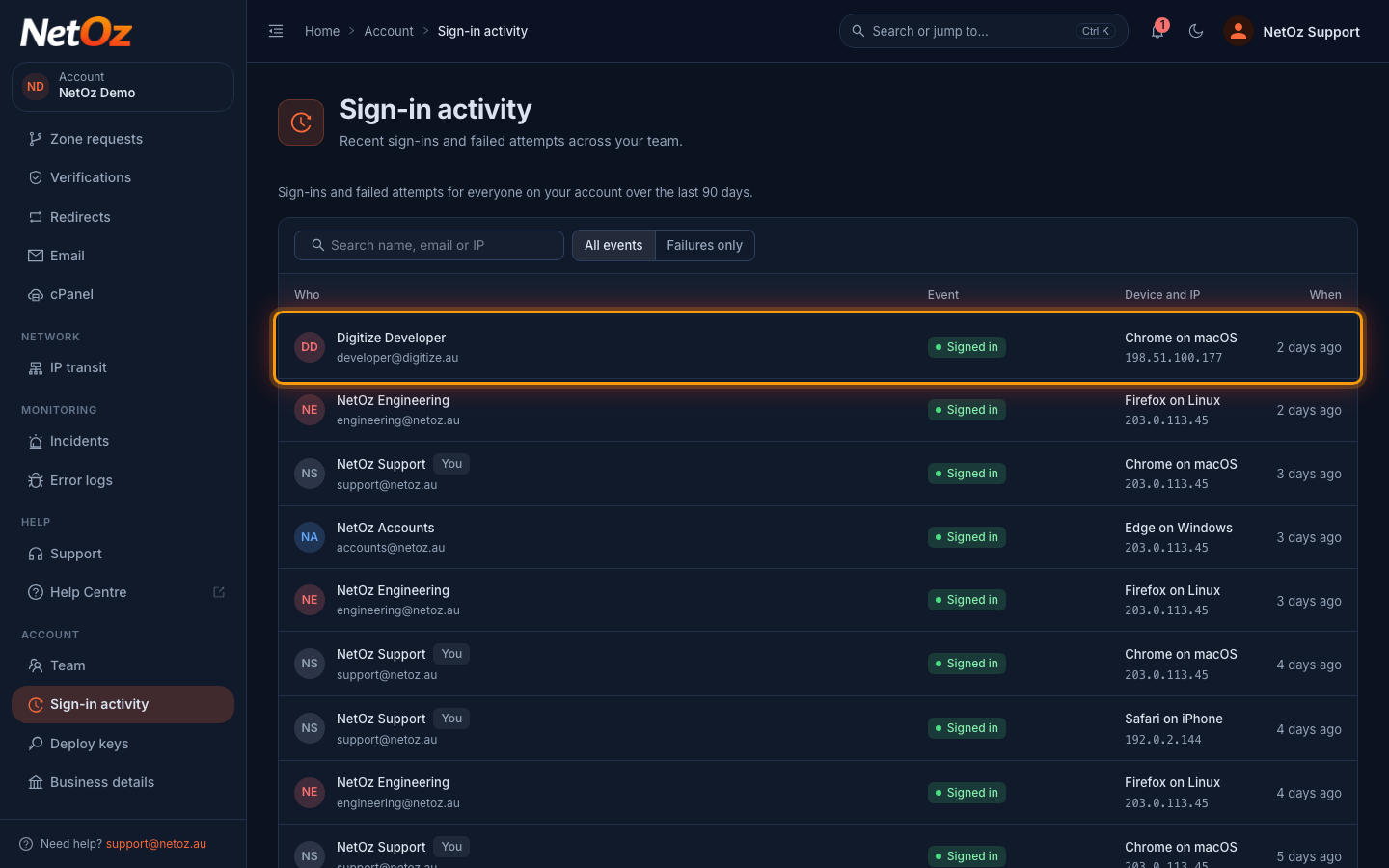
Each row shows Who signed in, the Event, the browser, operating system and IP address under Device and IP, and When. A New IP tag means it was the first successful sign-in for that person from that address. Use the search box to filter by name, email or IP address.
Step 3 Show failed attempts only
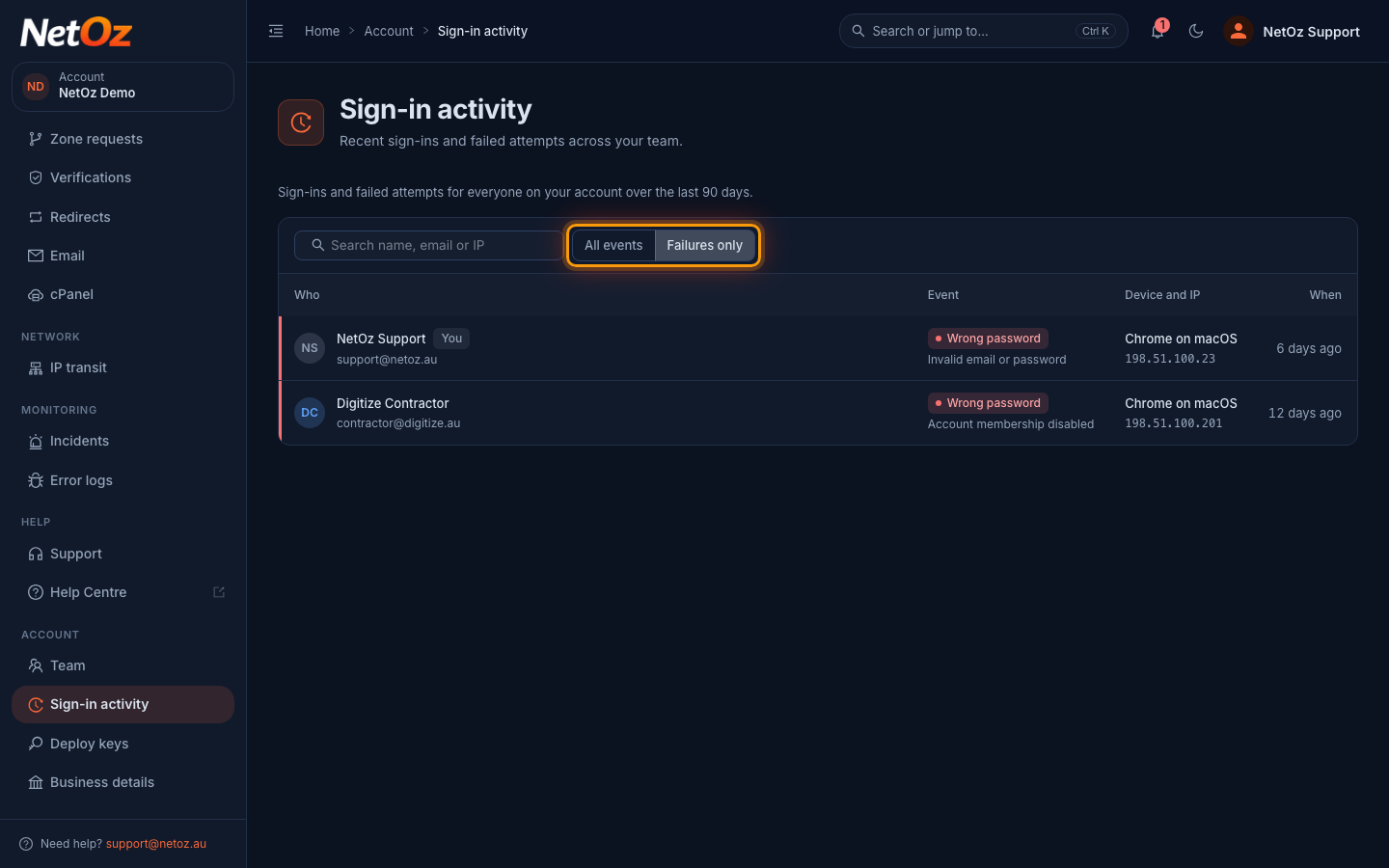
Select Failures only to see attempts that did not succeed, and why, such as a wrong password or a disabled login. Several failures in a row from an unfamiliar IP address can be a sign someone is guessing a password.
Spotted something you do not recognise?
- If it is your own login, change your password straight away, which also signs out every other session, and turn on two-factor authentication.
- If it is someone else’s, ask them to do the same, or disable their access until it is sorted.
- Let us know at support@netoz.au.
Was this guide helpful?
Your answer helps us keep these guides accurate.