Add your ABN or ACN to your NetOz account
Add your Australian Business Number (ABN) or Australian Company Number (ACN) in the NetOz Portal so matching .au domains can be verified automatically and NetOz can check who holds your networks.
On this page
Your business details tell NetOz which Australian business or company your account belongs to. Once NetOz staff confirm them, .au domains registered to the same ABN or ACN can be verified automatically, and the numbers are used as evidence whenever NetOz checks who owns a domain, ASN or IP prefix you add.
Before you start
- You need to be an account admin. Other team members cannot see or change business details.
- Have your ABN, and your ACN if your organisation is a company. You can look them up on the ABN Lookup website.
Step 1 Open Business details
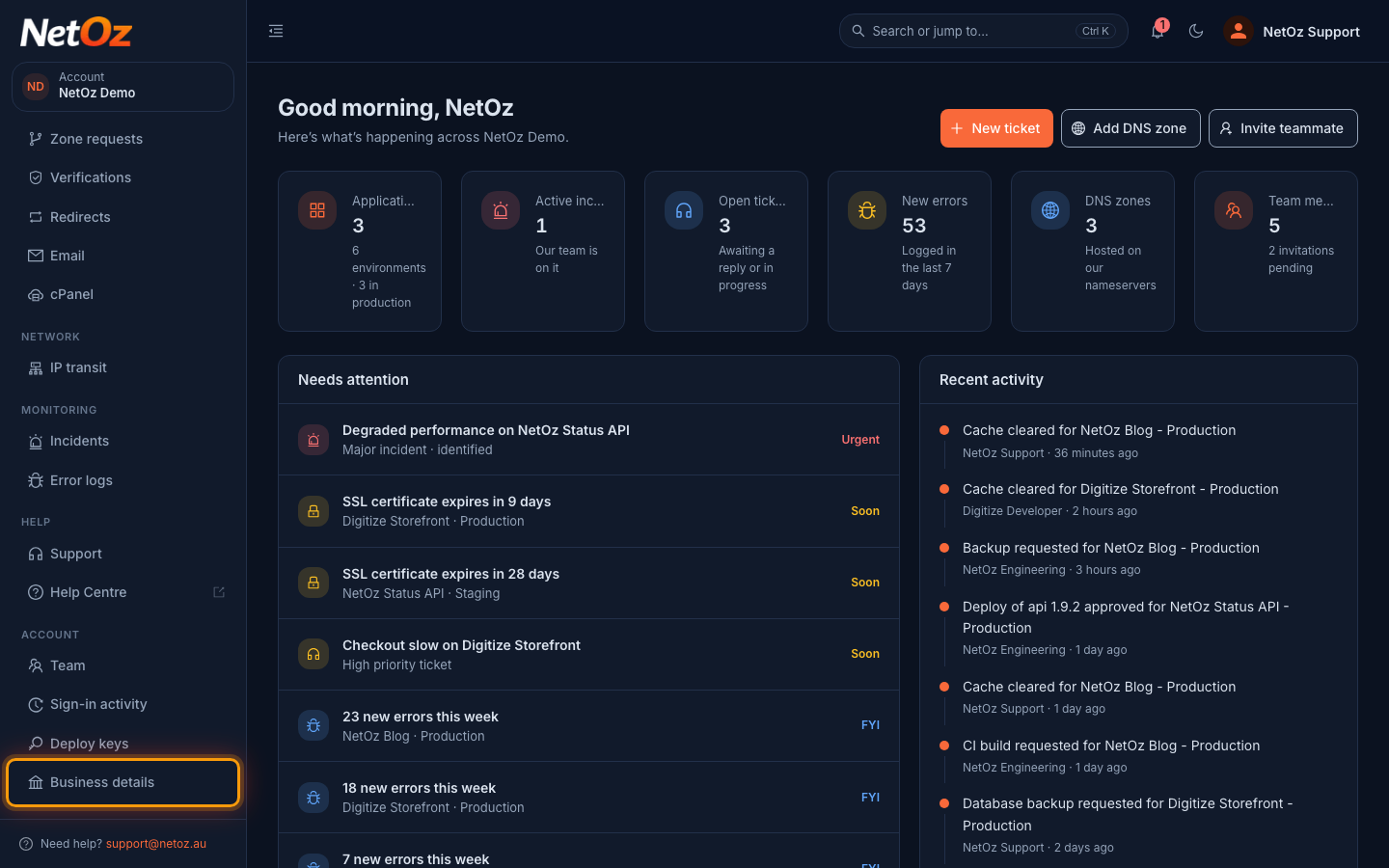
Sign in to the NetOz Portal and choose Business details under Account in the sidebar.
Step 2 Check the status
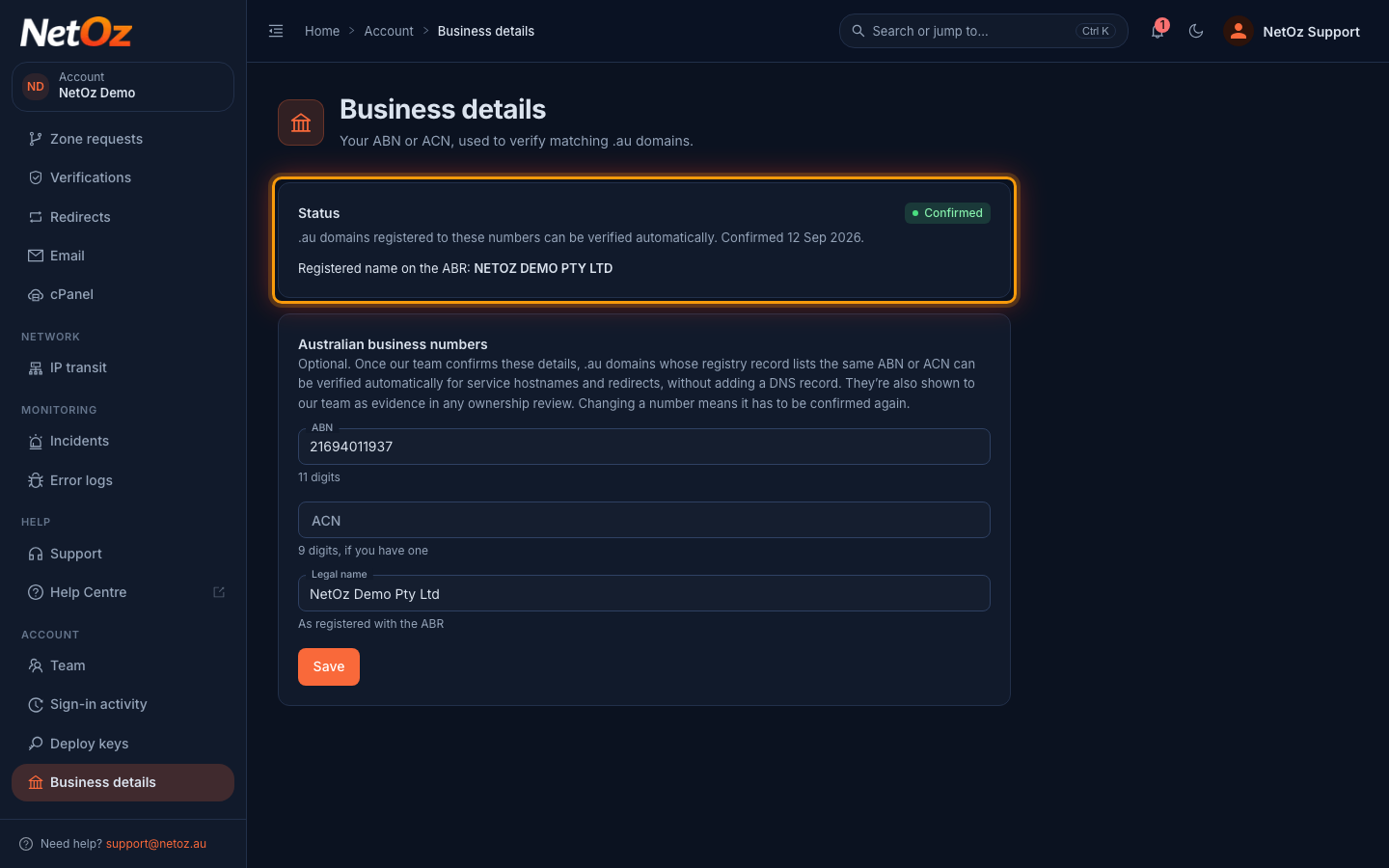
The Status card shows where your details are up to: Not provided, Awaiting confirmation while NetOz checks them against your billing or contract records, Confirmed with the date, or Not confirmed with the reason. Only confirmed details are used for automatic verification.
Step 3 Enter your ABN, ACN and legal name
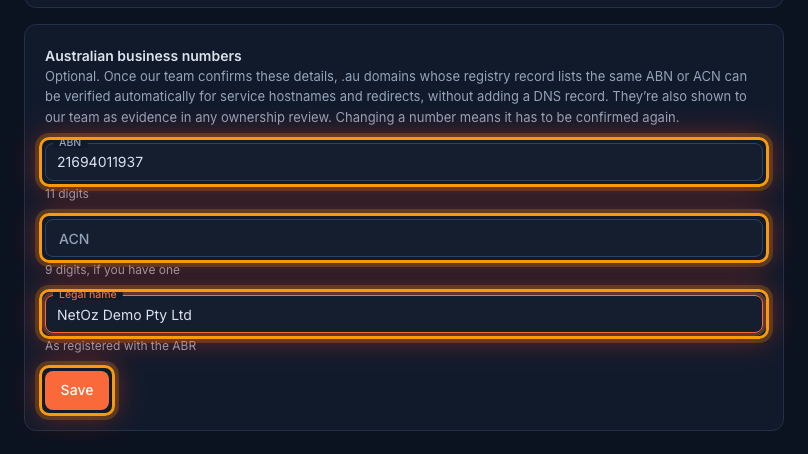
Under Australian business numbers, enter your 11-digit ABN and, if you have one, your 9-digit ACN. Spaces are fine. Add your Legal name as it appears on the Australian Business Register, then select Save. The portal checks the numbers are valid before saving.
Step 4 Wait for NetOz to confirm them
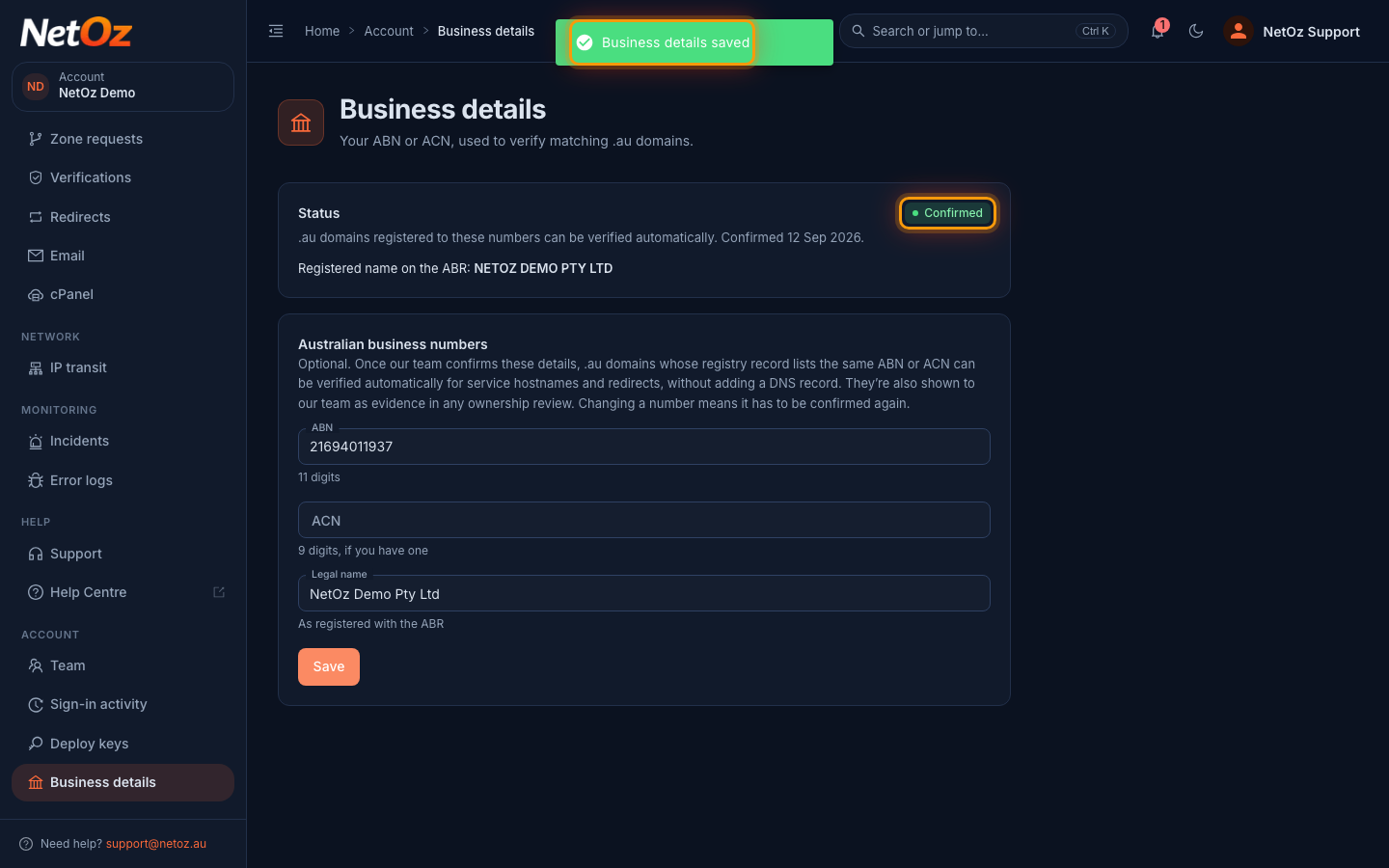
A message confirms your details were saved. New or changed numbers show as Awaiting confirmation until NetOz staff check them. Changing a confirmed ABN or ACN later resets it to unconfirmed until it is checked again, and the page warns you before you save. Updating only the legal name keeps your confirmation.
How NetOz uses your business details
- .au domain verification. When you verify a .au domain for a service hostname or redirect, tick Verify automatically using our confirmed business details on the Verifications page. If the .au registry lists your confirmed ABN or ACN for that domain, it is verified without adding a DNS record.
- Ownership reviews. NetOz staff see your confirmed numbers alongside any domain claim, ASN or IP prefix you register for IP transit, and compare them with the registry holder.
Was this guide helpful?
Your answer helps us keep these guides accurate.