Set up DKIM email signing for your domain
Turn on DKIM signing for your NetOz-hosted email and publish the DKIM TXT record in DNS, so your messages pass authentication checks and stay out of spam.
On this page
DKIM adds a digital signature to every message you send. Receiving mail servers check that signature against a public key published in your DNS, which proves the message really came from your domain. Together with SPF and DMARC it makes your email far less likely to be marked as spam or spoofed.
Before you start
- You need to be an account admin, or have Email set to Manage on your team access.
- You also need to be able to add a TXT record to the domain’s DNS. If NetOz hosts your DNS, that means Domains & DNS set to Manage.
Step 1 Check which domains are signing
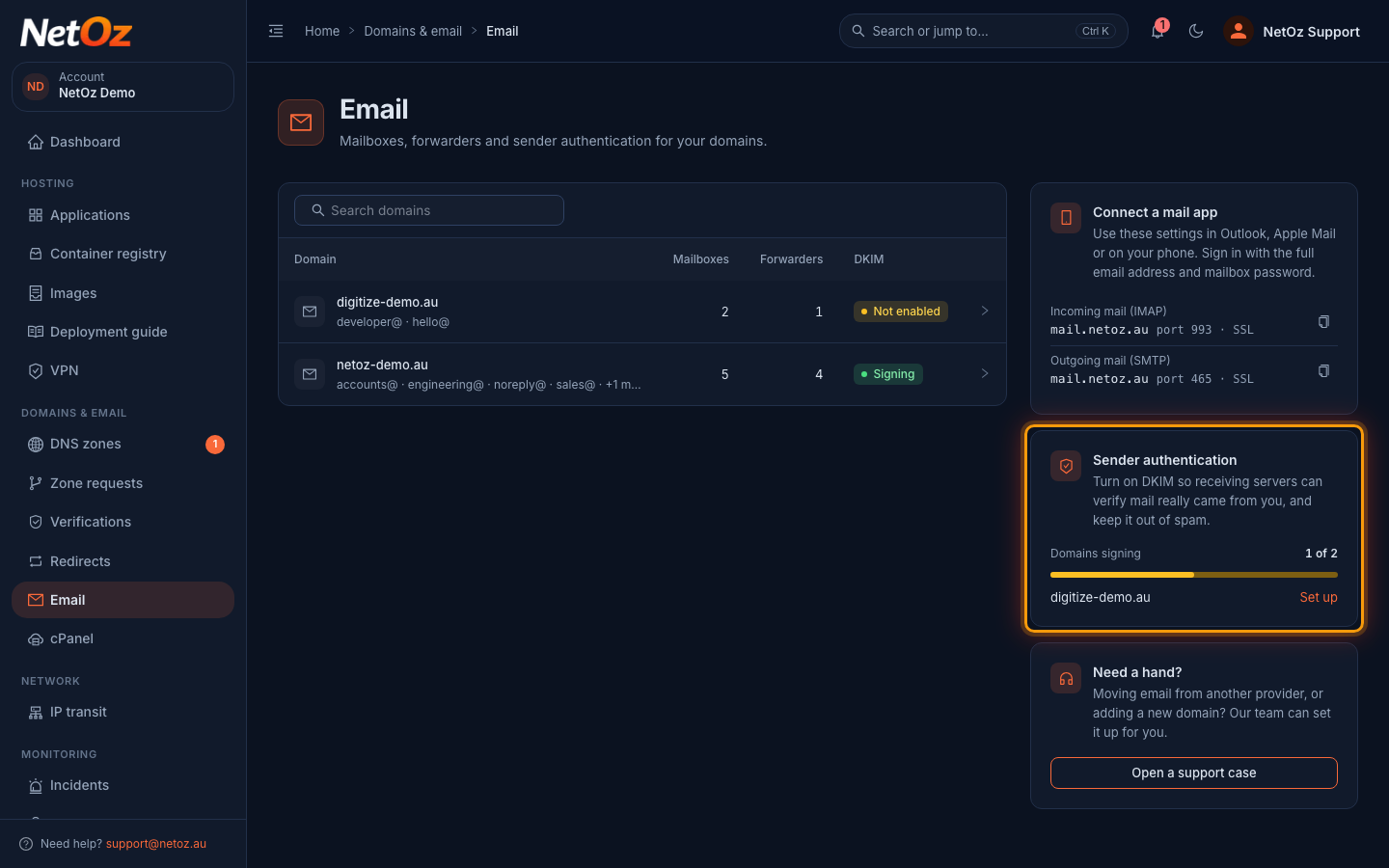
Go to Email. The DKIM column and the Sender authentication panel show which domains already sign their mail. Select Set up next to a domain that is not signing yet.
Step 2 Select Enable DKIM
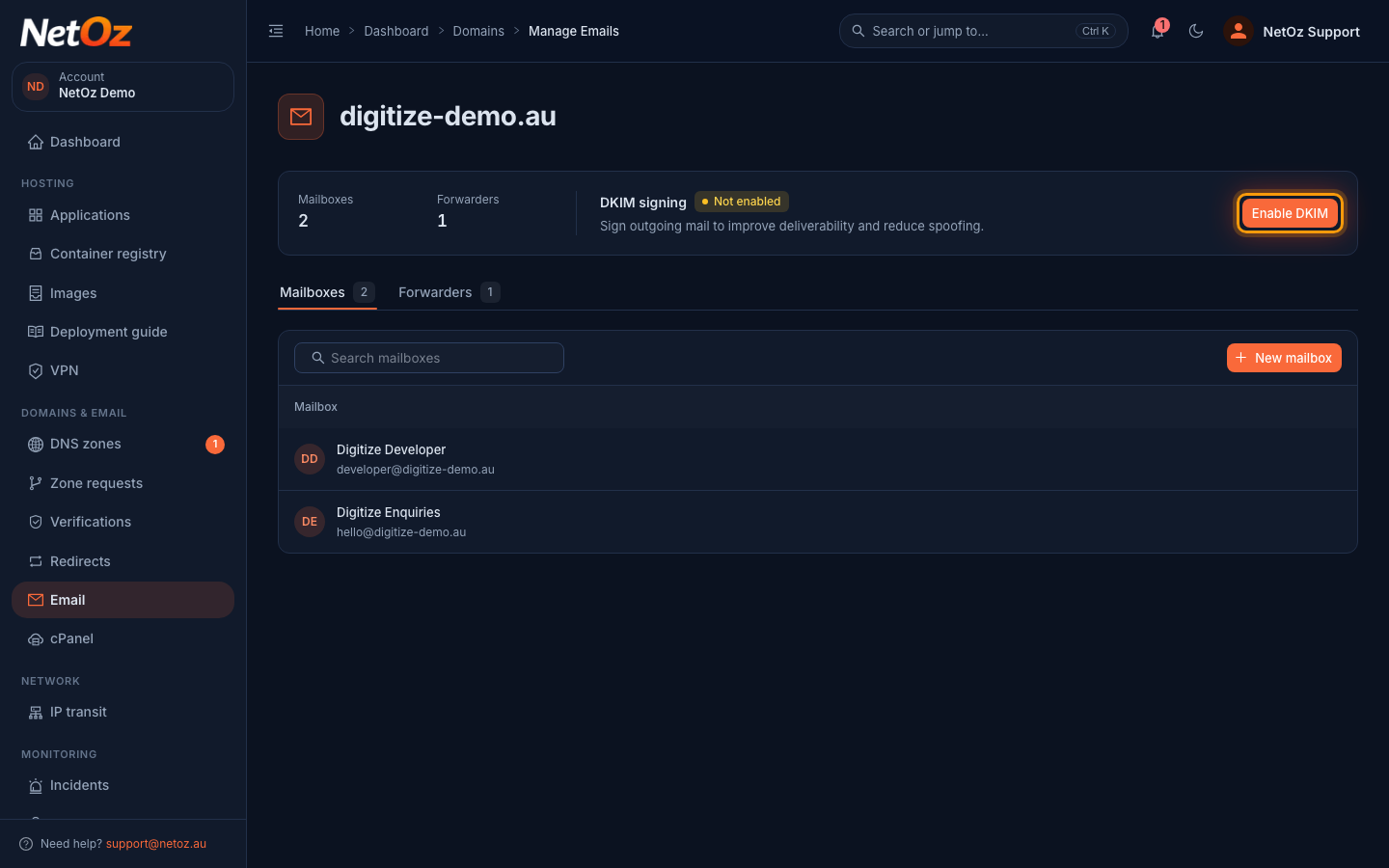
At the top of the domain page, DKIM signing shows Not enabled. Select Enable DKIM.
Step 3 Confirm
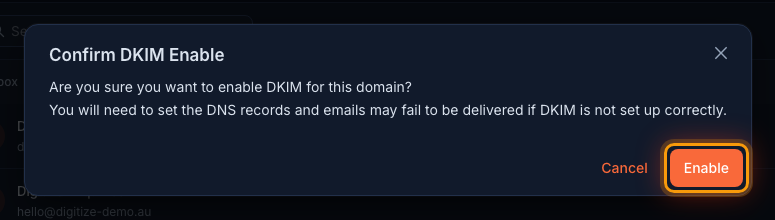
Select Enable to confirm. NetOz creates a signing key for the domain and starts signing outgoing mail.
Step 4 Open the DKIM information
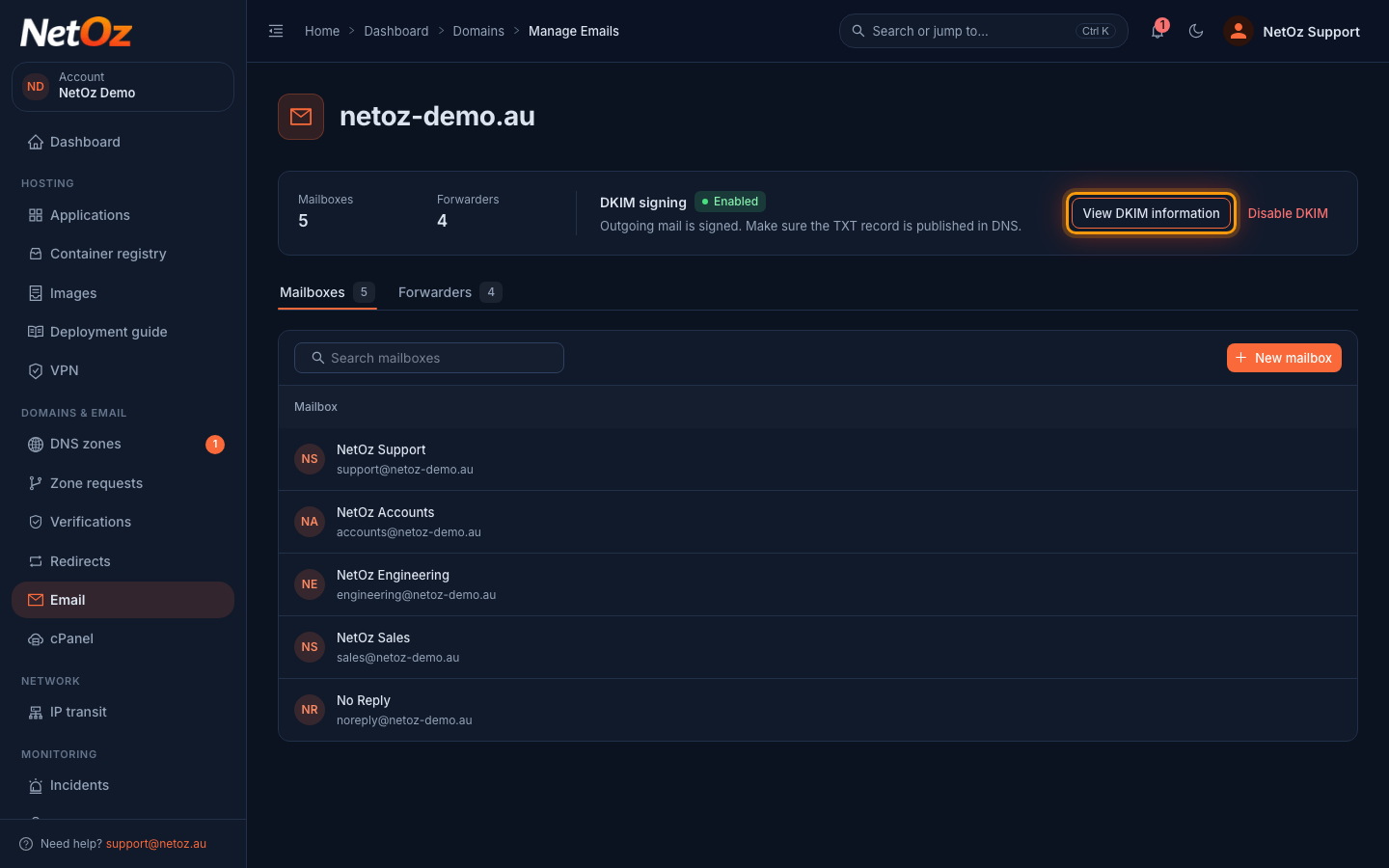
Once the key is ready, DKIM signing shows Enabled. Select View DKIM information.
Step 5 Copy the TXT record
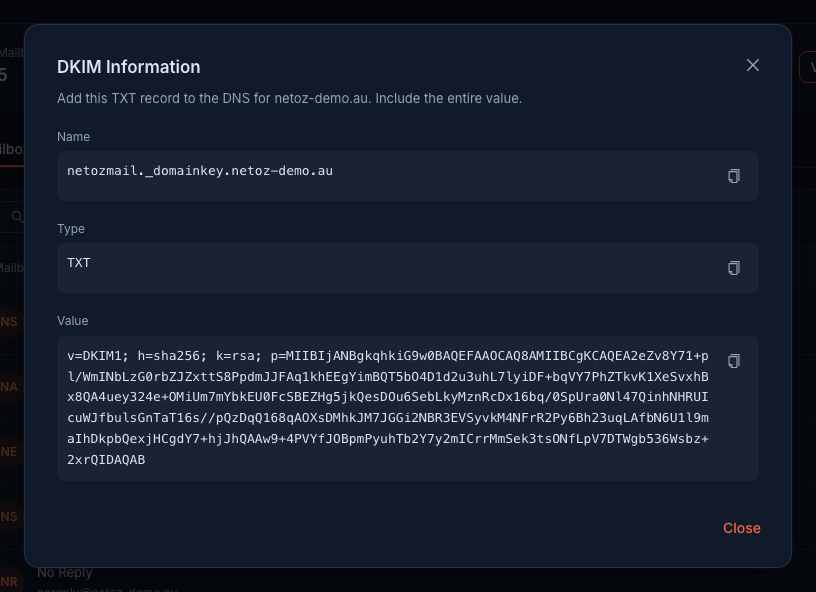
The dialog shows the Name, Type and Value of the DNS record to publish. Use the copy buttons so you get the whole value, which is long.
Publish the record
If NetOz hosts your DNS, open the zone under DNS zones, select Add record, choose TXT, enter the Name shown in the DKIM information without the domain on the end (for example netozmail._domainkey) and paste the full Value. See Add, edit or delete a DNS record. If your DNS is hosted elsewhere, add the same TXT record with that provider.
Turn DKIM on only when you are ready to publish the record, because receiving servers may reject signed mail they cannot verify. For more on SPF, DKIM and DMARC records, see DNS record types explained.
Was this guide helpful?
Your answer helps us keep these guides accurate.