Prepare your Docker image with the NetOz deployment guide
Learn the five rules your container image must follow on NetOz, and copy ready-made Dockerfiles for static sites, Next.js, Rails and WordPress.
On this page
Containers on NetOz run locked down for security, which is stricter than many published Dockerfiles expect. The Deployment guide in the NetOz Portal explains the rules and gives working examples you can copy into your repository.
Before you start
- Any team member can read the deployment guide.
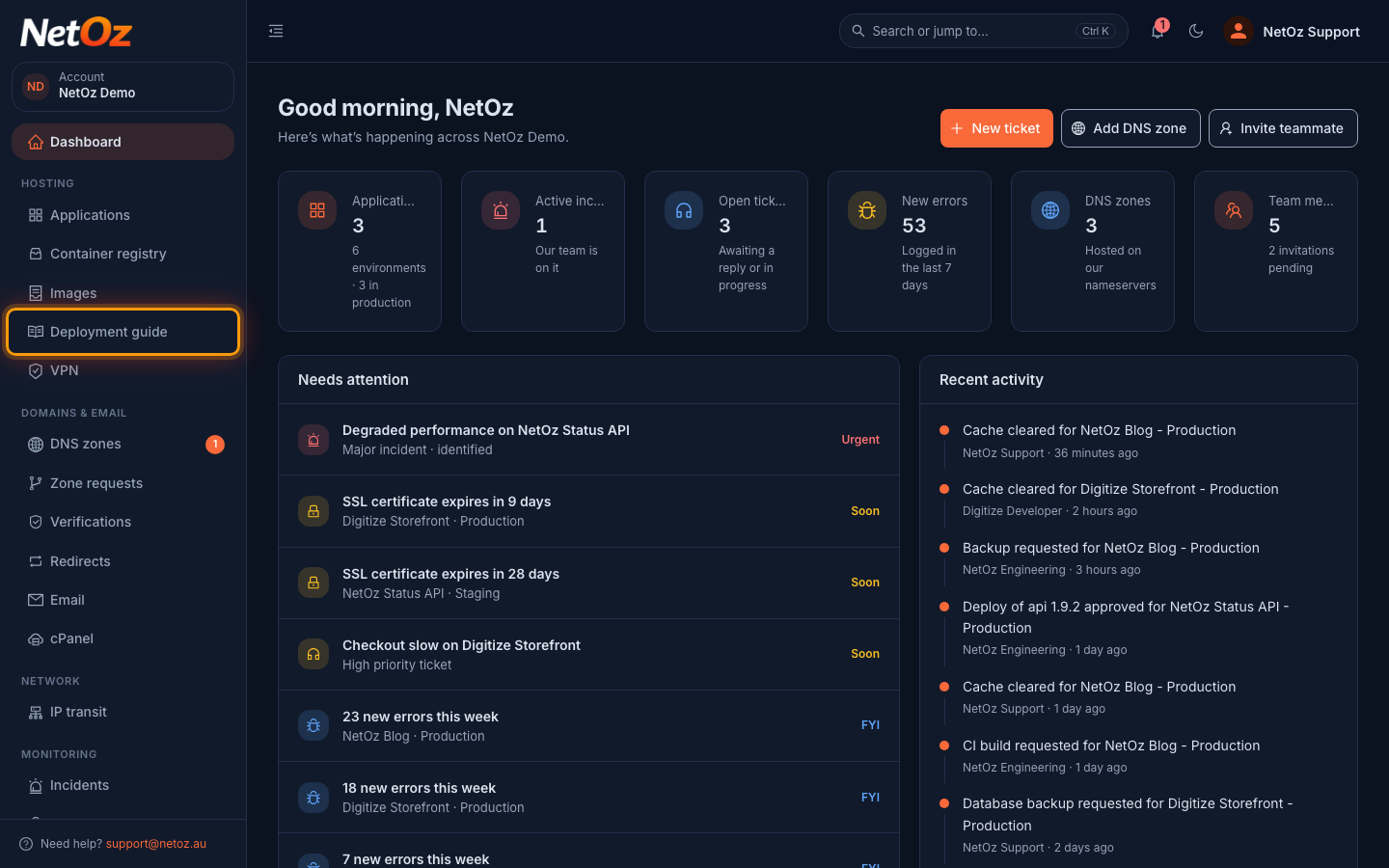
Step 1 Open the Deployment guide
Choose Deployment guide under Hosting in the sidebar.
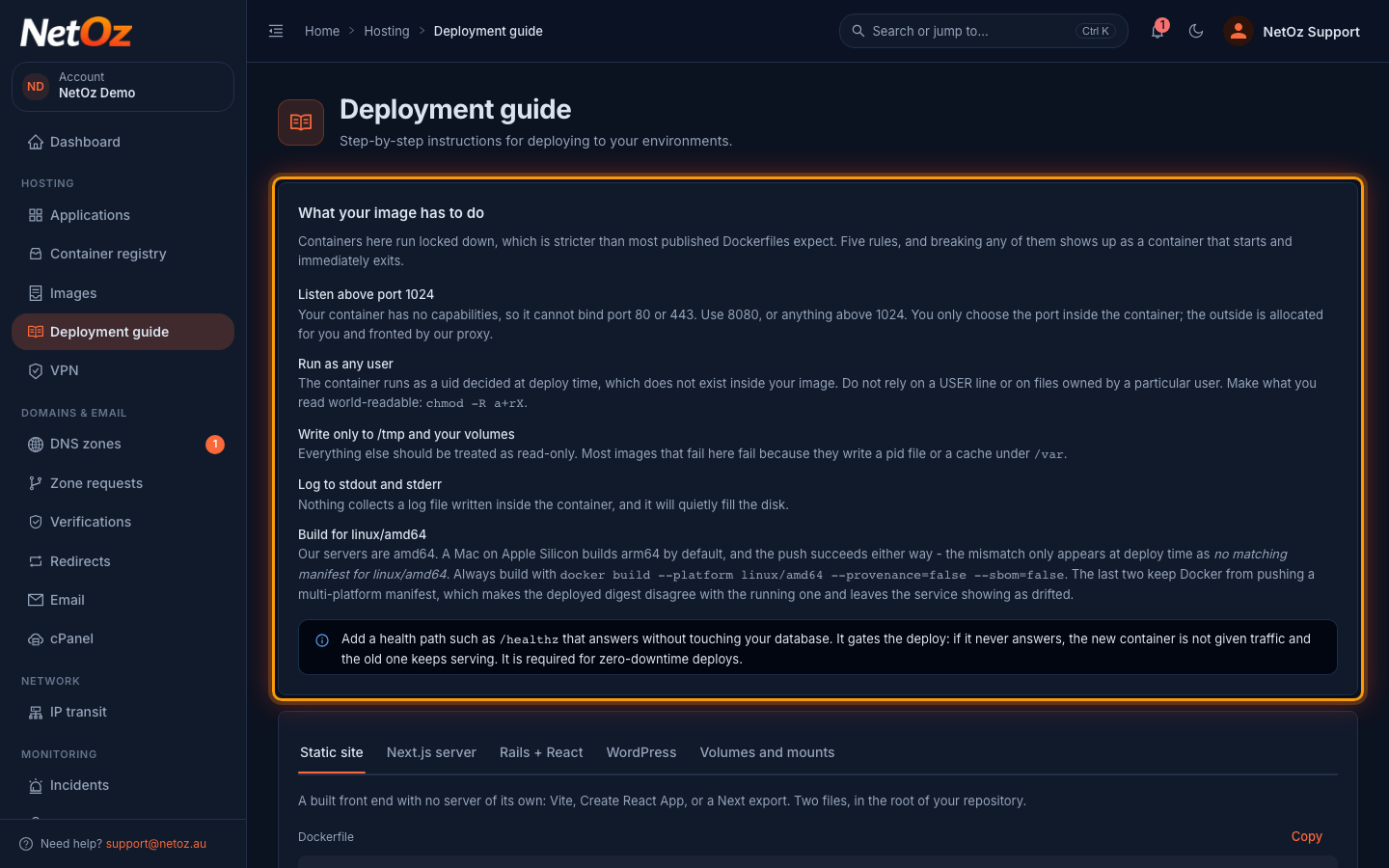
Step 2 Check the five rules
Your image must listen above port 1024, run as any user, write only to /tmp and its volumes, log to stdout and stderr and be built for linux/amd64. Breaking any of them usually shows up as a container that starts and immediately exits. Add a health path such as /healthz so deploys can switch traffic safely.
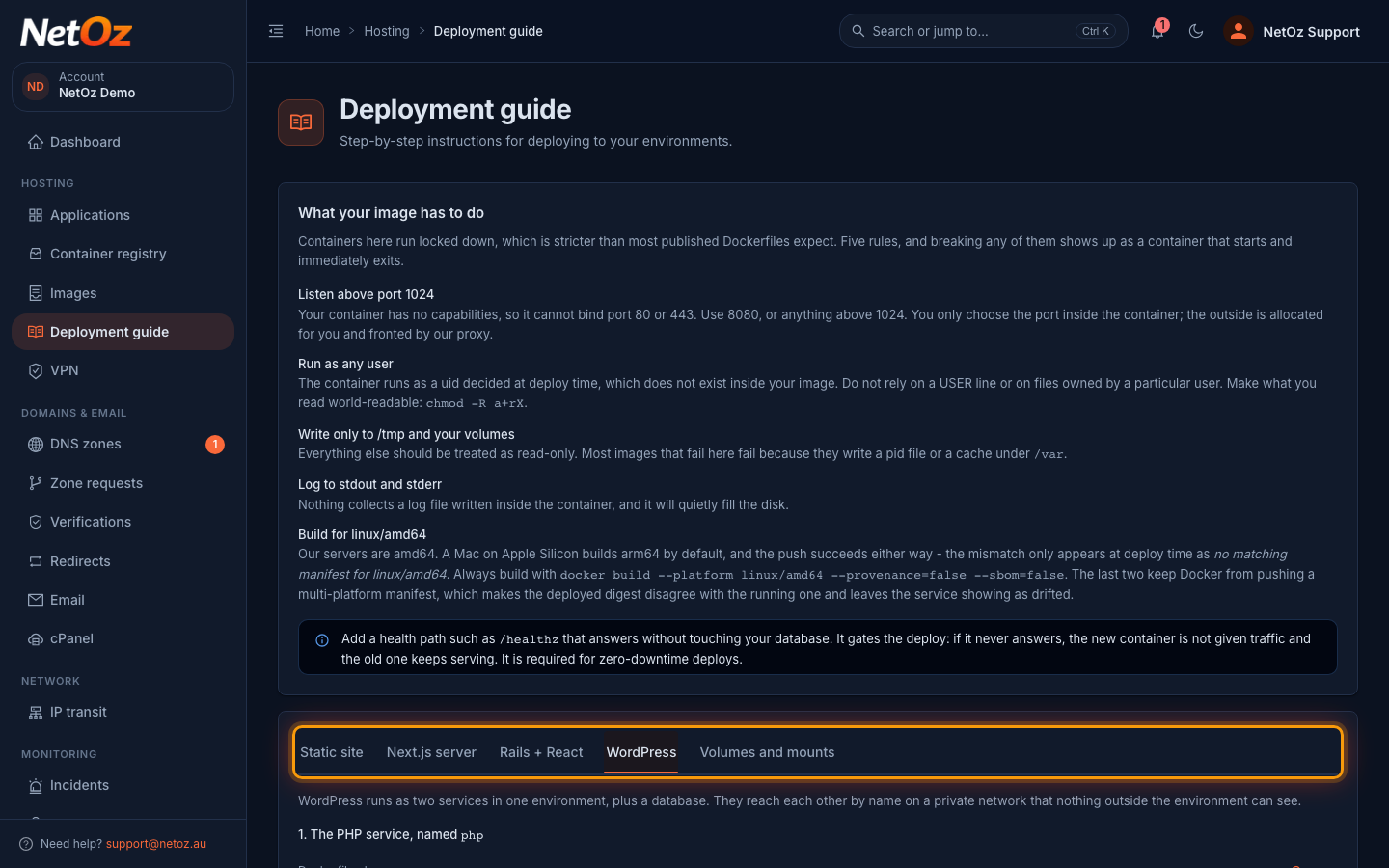
Step 3 Pick an example for your stack
Choose the tab closest to your application: Static site, Next.js server, Rails + React or WordPress. Volumes and mounts explains how to keep data that must survive a redeploy, such as uploads.
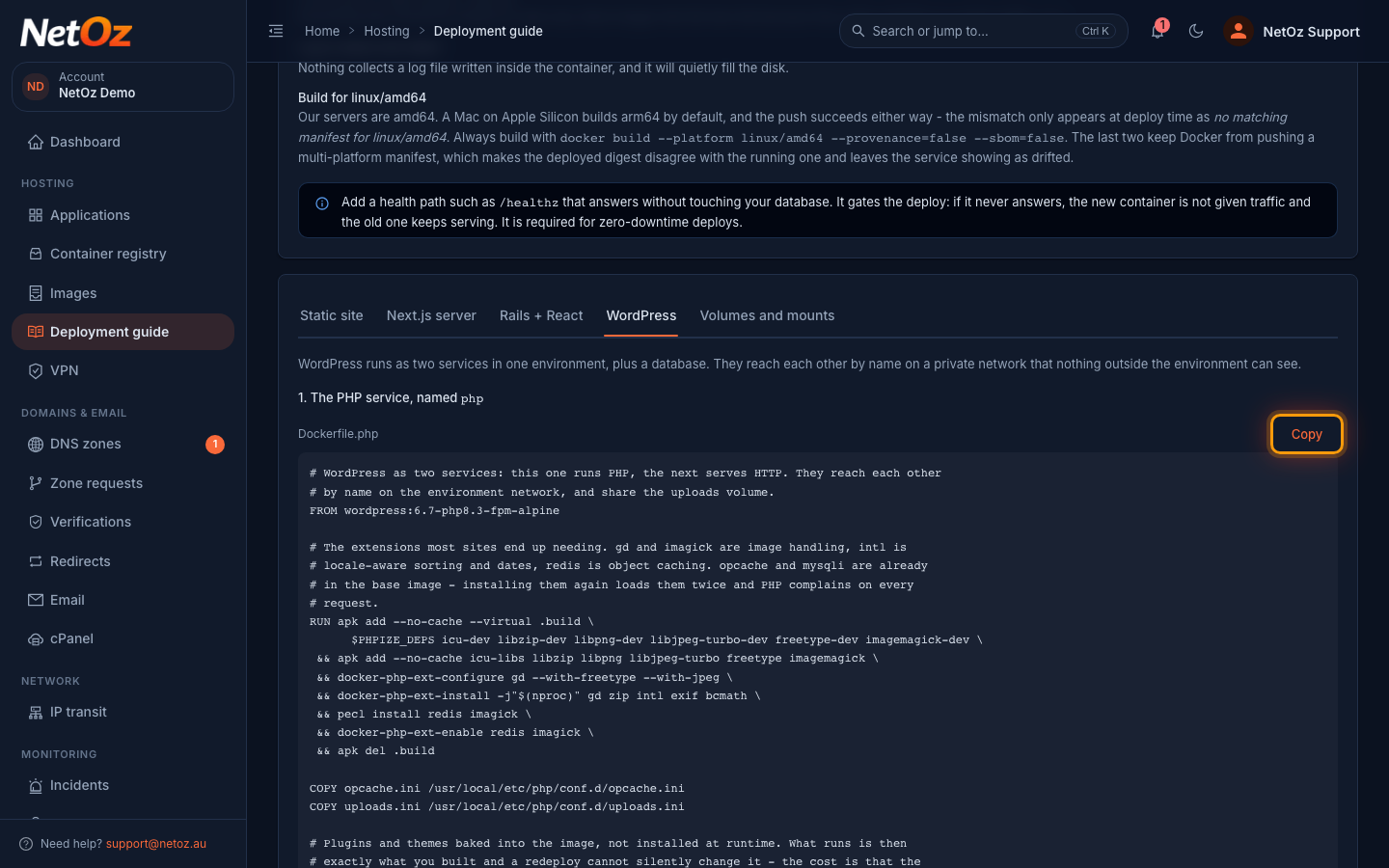
Step 4 Copy the files into your repository
Select Copy above each file and save it in the root of your repository. The notes under the examples list the container port, health path and memory to use when you set up the service.
Next steps
Once your Dockerfile follows the rules, push the image to your private registry and deploy it.
Was this guide helpful?
Your answer helps us keep these guides accurate.