Add an SSH deploy key so NetOz can pull your private repository
Generate or upload an SSH deploy key in the NetOz Portal, then add its public key to GitHub, GitLab or Bitbucket so your deployments can pull private code.
On this page
If your website’s code lives in a private Git repository, NetOz needs an SSH deploy key to pull it during deploys. You can have NetOz generate a key pair for you, or upload one you already have.
Before you start
- You need Deploy keys set to Manage on your team access.
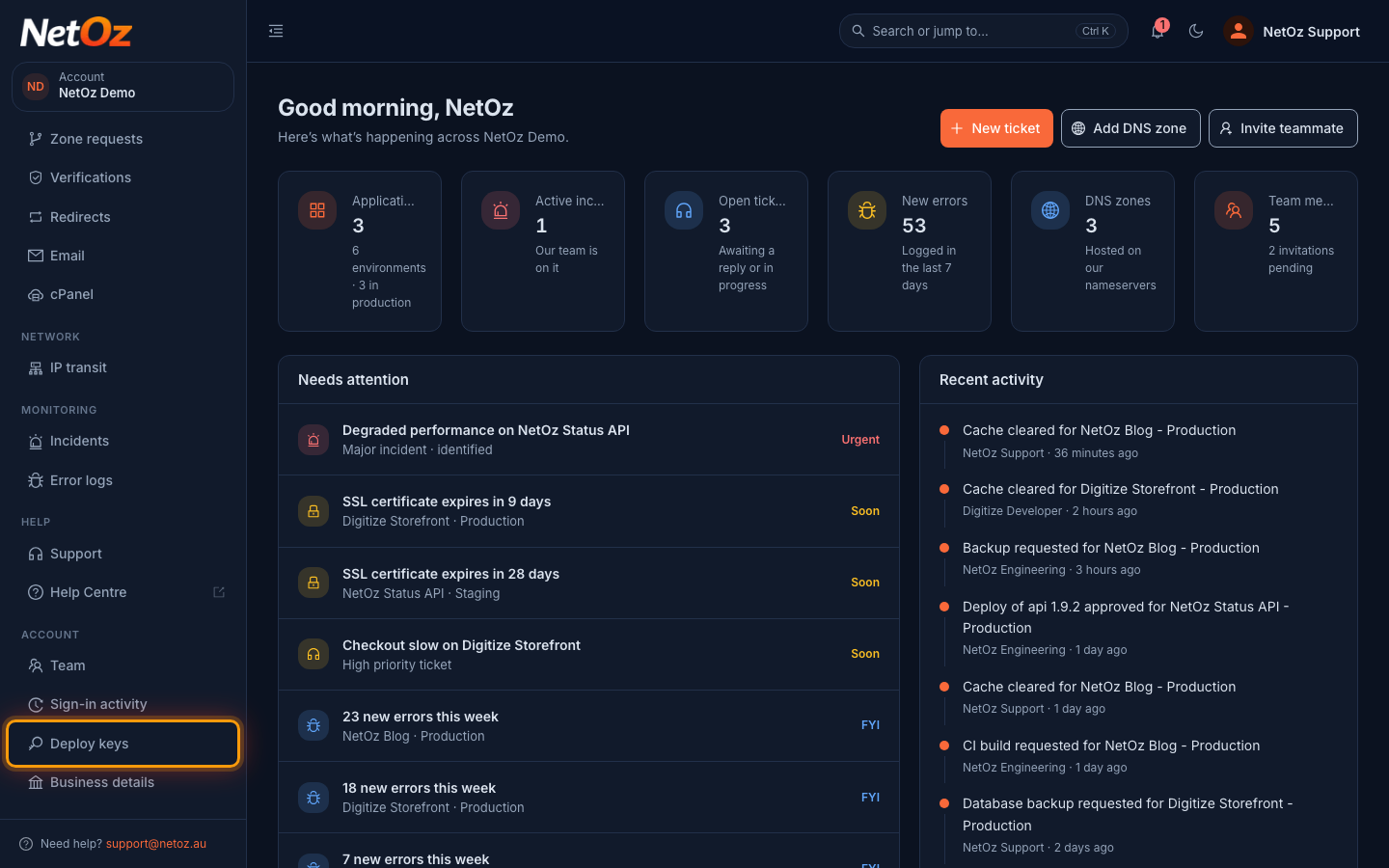
Step 1 Open Deploy keys
Choose Deploy keys under Account in the sidebar. The list shows each key’s name, type, fingerprint and when it was added.
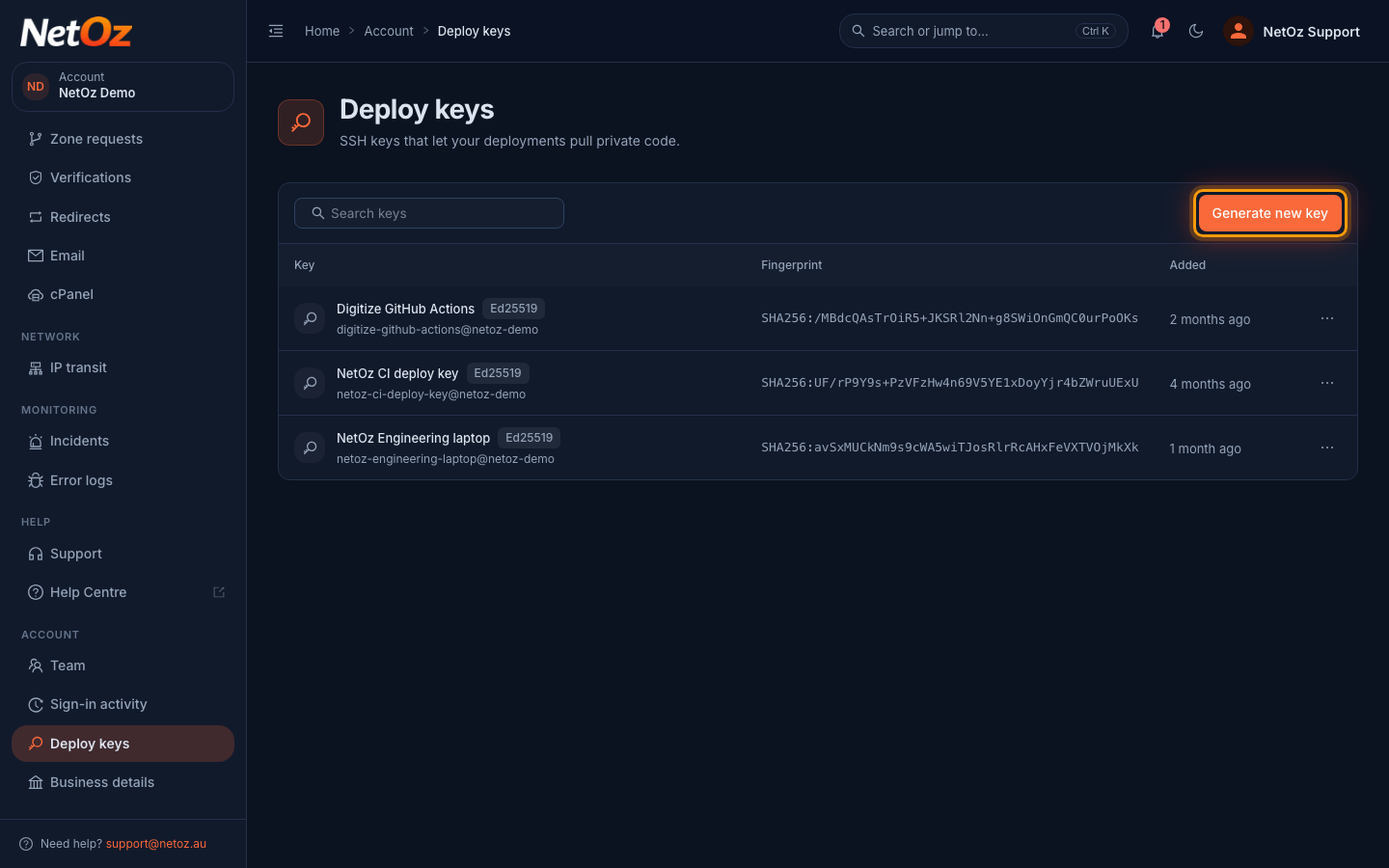
Step 2 Select Generate new key
Select Generate new key.
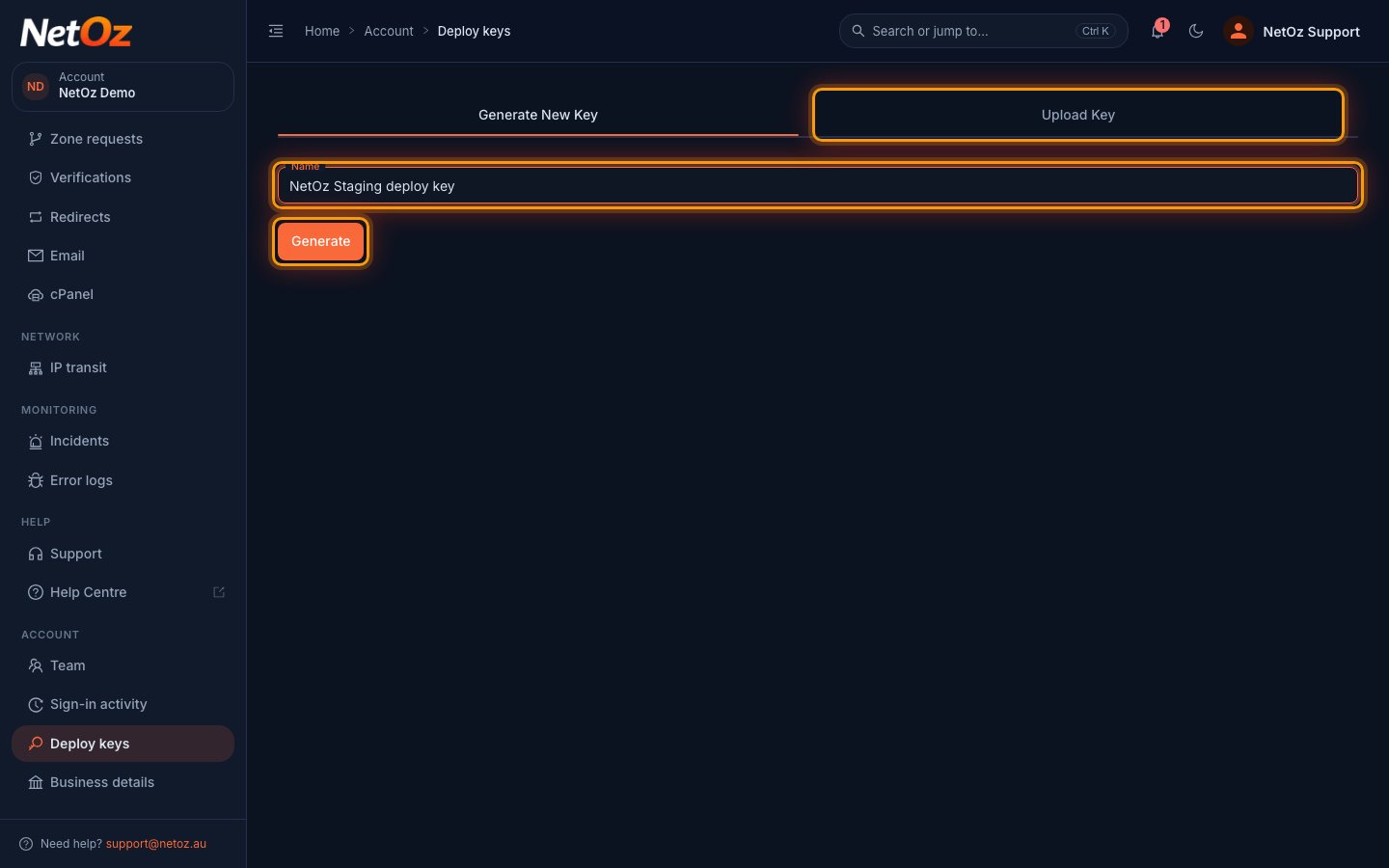
Step 3 Name the key and generate it
On Generate New Key, enter a name that says where the key is used, such as the repository or environment, and select Generate. NetOz creates a new key pair and keeps the private half secure. If you already have a key pair, use the Upload Key tab to paste its public and private keys instead.
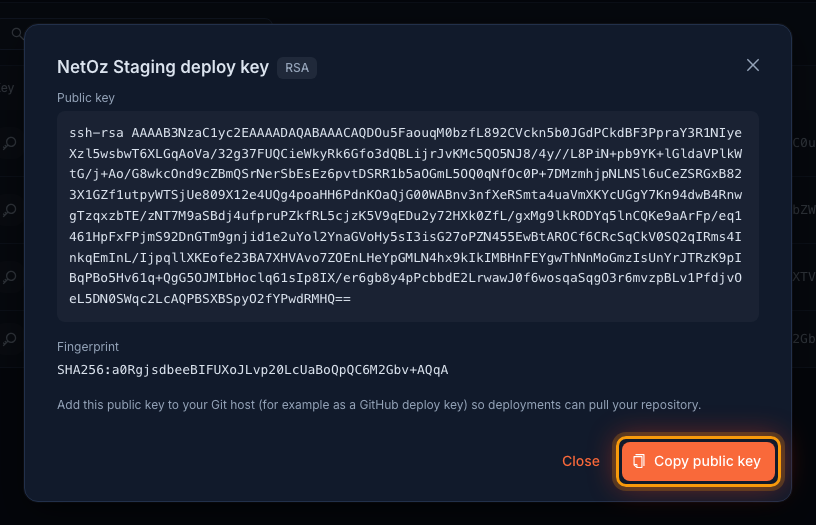
Step 4 Copy the public key to your Git host
Your new key appears in the list after a few seconds. Select it to see the public key and fingerprint, then select Copy public key and add it to your Git host as a deploy key.
Next steps
Add the public key to your Git host as a read-only deploy key. On GitHub, open the repository, go to Settings > Deploy keys and select Add deploy key. Ask NetOz support to link the key to your application if it is not already. Your next deploy then pulls with it, and you can follow it in the CI logs.
Was this guide helpful?
Your answer helps us keep these guides accurate.