Request a managed WireGuard VPN for your organisation
Ask NetOz to set up a dedicated, Australian-hosted WireGuard VPN server for your team from the NetOz Portal, and see when it is ready to use.
On this page
Each VPN in the NetOz Portal is its own dedicated WireGuard server, set up by NetOz for one group of people such as an office, a warehouse or contractors. This guide shows how to ask for a new one and how to tell when it is ready.
Before you start
- You need to be an account admin, or have VPN set to Manage on your team access.
- Have a name in mind for the group, for example "Office VPN" or "Field Access".
Step 1 Open VPN from the sidebar
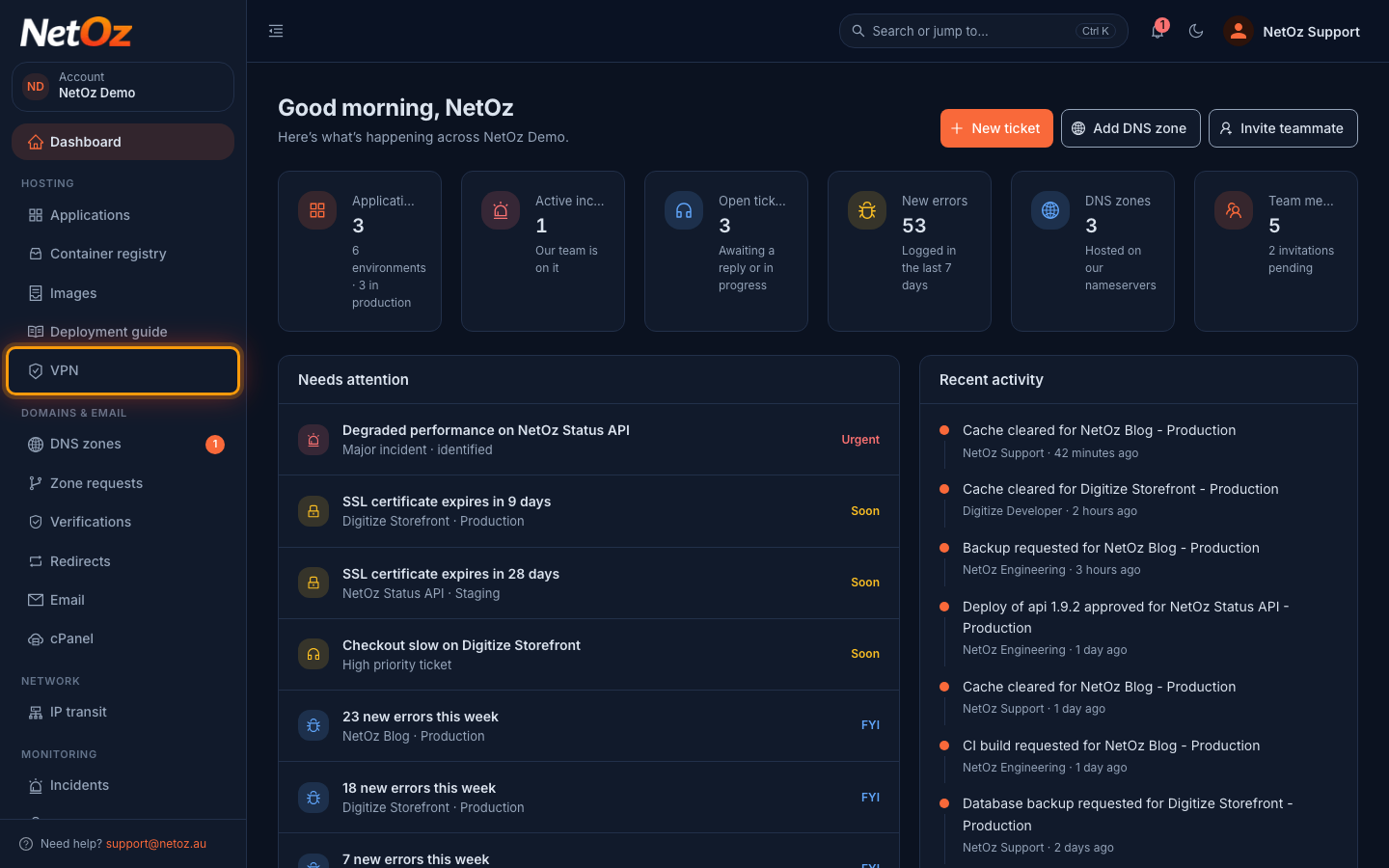
Sign in to the NetOz Portal and choose VPN under Hosting in the sidebar.
Step 2 Review your existing VPNs
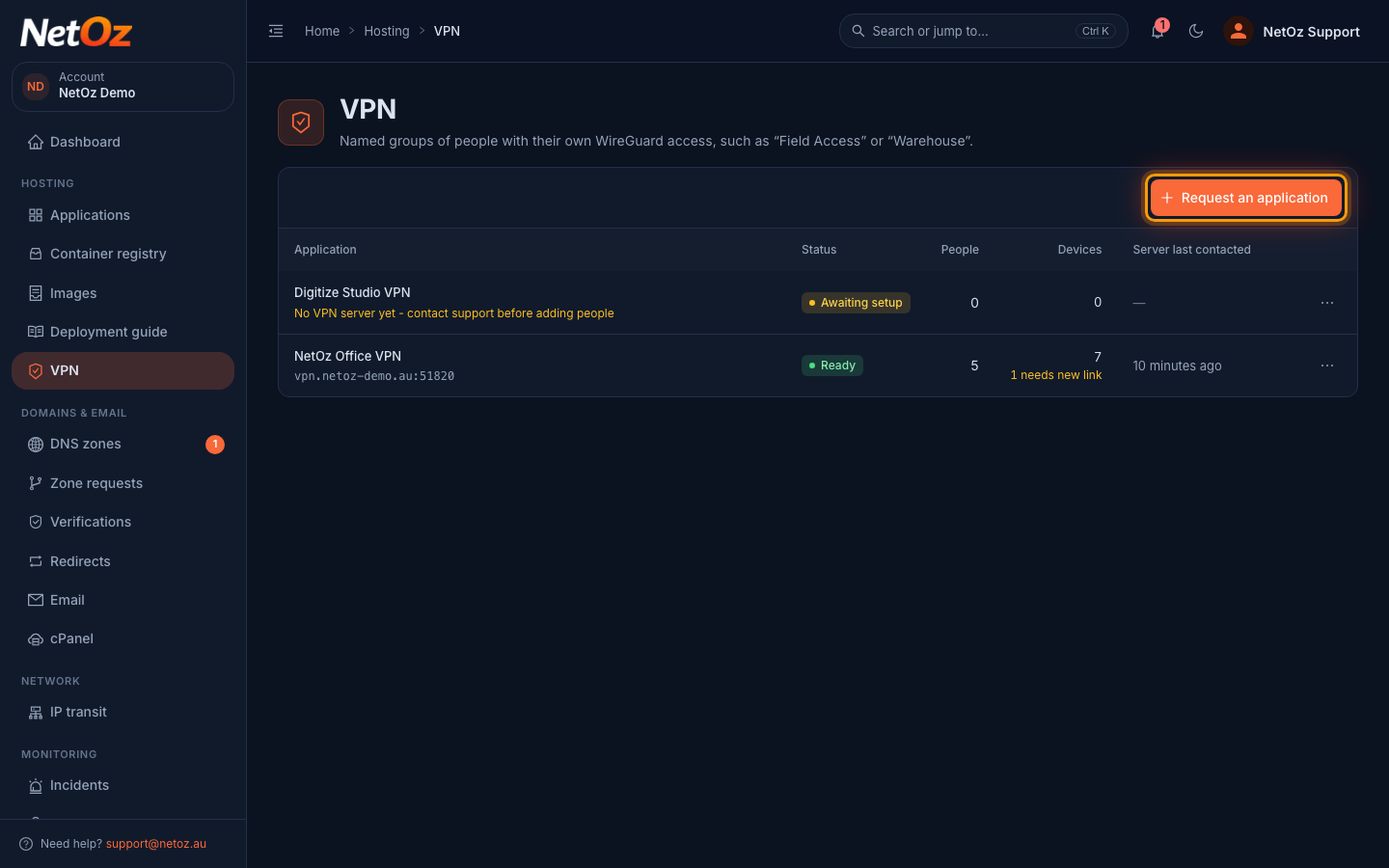
The list shows every VPN on your account, its status, how many people and devices it has, and when the server last checked in. Select Request an application to ask for a new one.
Step 3 Describe the VPN you need
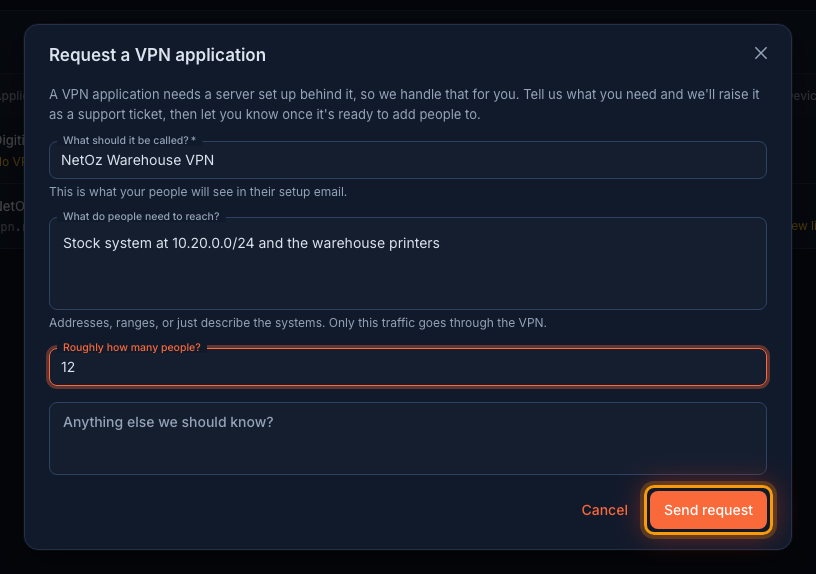
Give the VPN a name your team will recognise and add any notes for NetOz, such as which internal networks people need to reach. Then send the request.
Step 4 Wait for it to be marked Ready
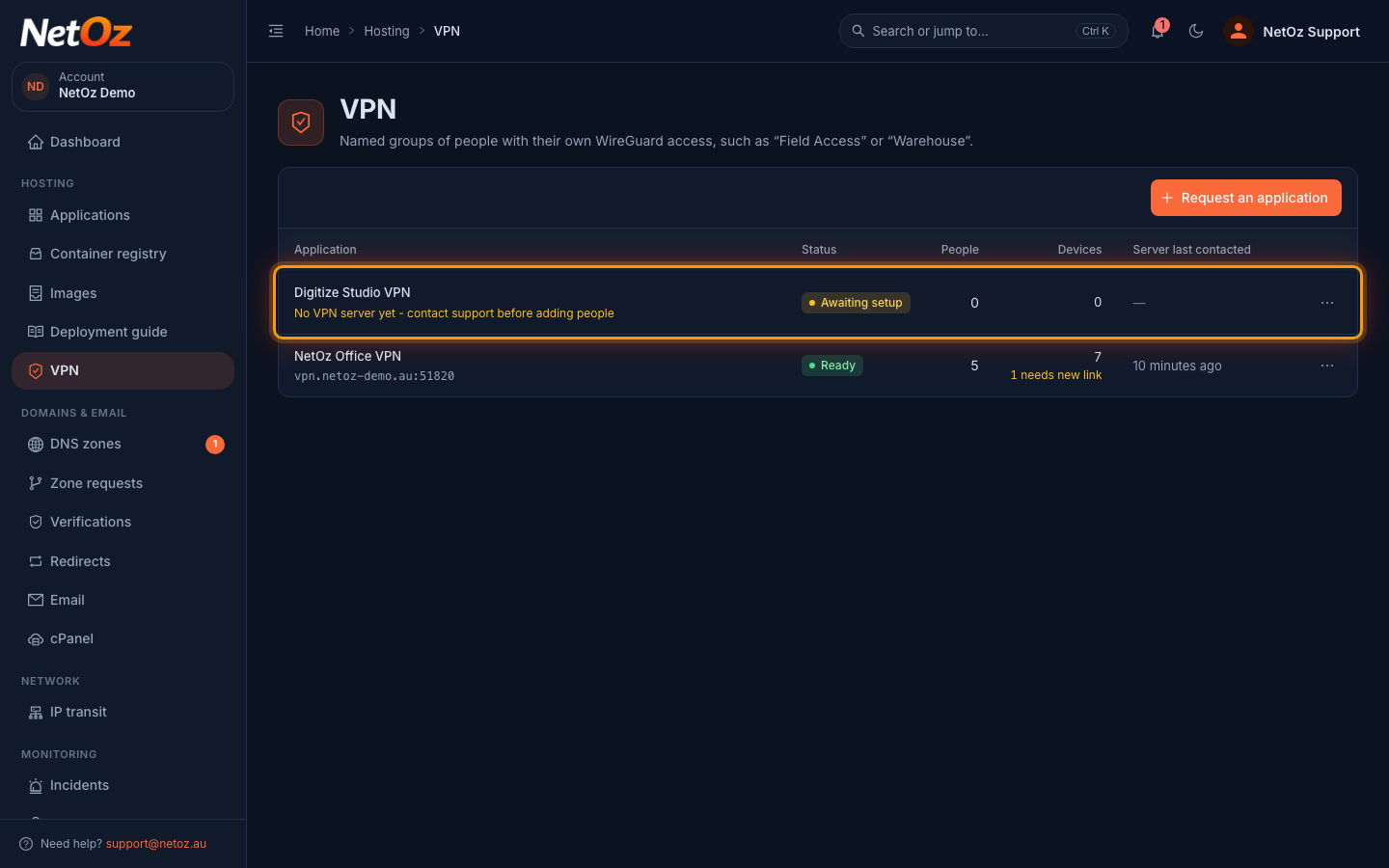
Your request appears with the status Awaiting setup while NetOz builds the server. Once it shows Ready with an endpoint address, you can start adding people.
What happens next
NetOz builds the server and links it to your request. Until then the VPN shows as Awaiting setup and you cannot add people yet. When it changes to Ready, follow Add a person to your VPN.
Was this guide helpful?
Your answer helps us keep these guides accurate.